Best Creator Tools for US Creators: 2026 Guide


Which creator tools actually move the needle?
The best digital creator software in 2026 spans five categories: design, video editing, AI translation, monetization, and engagement. No single tool wins every category, but the combination you choose shapes your income ceiling and your daily workload. Here is how the leading options stack up.
Tool | Best For | Key Features | Platform Compatibility | Pricing |
TikTok Studio | TikTok-native creators | Editing, analytics, monetization | TikTok | Free |
YouTube multilingual growth | AI translation, 140+ languages, direct YouTube upload | YouTube | Free trial (300 translations) | |
Live streamers | Donation widgets, alerts, overlays | Twitch, YouTube, Facebook | Free / paid tiers | |
Fan-supported creators | Donations, digital shop, memberships | All platforms | Free (5% fee on sales) | |
Merch-focused creators | E-commerce, branded storefronts | All platforms | Free to start | |
Streamers boosting engagement | Custom sound triggers, viewer interaction | Twitch, YouTube | Free / paid | |
Challenge-driven streams | Fan-triggered challenges, reward mechanics | Twitch | Free / revenue share | |
Interactive broadcasts | Real-time viewer control of stream elements | Twitch, YouTube | Free / paid | |
Collectible card monetization | Interactive stream cards, packs | Twitch, YouTube | Revenue share | |
Community monetization | Memberships, members-only content | Multi-platform | Free / paid | |
Crowdfunding creators | Campaign setup, donation tools | Multi-platform | Free / revenue share | |
Custom stream alerts | Alert designs, interaction triggers | Twitch, YouTube | Free / paid | |
Cybersecurity | Threat protection, data encryption | Windows, Mac | Paid subscription | |
Non-designer graphics | Magic Studio AI, templates, brand kits | Web, iOS, Android | Free / Pro $15/mo | |
Professional video editing | Advanced effects, multi-cam, AI tools | Windows, Mac | From $22.99/mo | |
SEO-driven content | Keyword scoring, content editor | Web | Paid plans | |
Team content planning | Visual calendar, approval workflows | Web | Free / paid | |
Content organization | Databases, wikis, project boards | Web, iOS, Android | Free / paid | |
Affiliate management | Partner tracking, automated payouts | Web | Paid | |
AI copywriting | Long-form drafts, brand voice, templates | Web | From $39/mo |
Standout integrations worth noting:
Creator Tools posts translated titles, descriptions, and captions directly to YouTube Studio using OpenAI and Gemini AI, so YouTube’s algorithm begins surfacing your video in new markets immediately after upload.
Canva’s Magic Studio turns a text prompt into finished carousels and thumbnails, making it the fastest path from concept to on-brand graphics for non-designers.
Creator OS (a platform separate from the tools above) connects YouTube, Instagram, and Twitch into one workspace with a brand deal CRM, AI thumbnail studio, and Instagram comment automations, with plans starting at $12/month.
How TikTok Studio works for creators
TikTok Studio is the official hub for creators managing content on TikTok, accessible both through the mobile app and a dedicated web interface. Inside the platform, you can edit videos, schedule posts, monitor live analytics, and access monetization programs tied directly to your TikTok account. Because everything lives within TikTok’s own ecosystem, there is no third-party API lag or permission friction.
Accessing TikTok Studio step by step:
Open the TikTok app and tap your profile icon.
Tap the menu (three lines) in the top right corner.
Select “Creator tools” from the menu.
From the web, visit studio.tiktok.com and log in with your TikTok credentials.
Navigate to “Analytics” for performance data, “Live” for streaming tools, or “Monetization” for revenue programs.
Key features inside TikTok Studio:
Video editor with text overlays, effects, and sound library
Post scheduling for consistent publishing cadence
Real-time live analytics including viewer count and engagement rate
Monetization dashboard covering the Creator Rewards Program, LIVE Gifts, and Series (paid content)
Audience insights broken down by geography, age, and activity time
The TikTok creator tools suite is free to use, though monetization eligibility depends on follower count and engagement thresholds set by TikTok’s program requirements.
AI-powered translation that opens 140 markets for YouTube creators
Creator Tools is built specifically for YouTube creators who want to turn one video into a revenue source across dozens of language markets. The platform connects via OAuth, reads your video library instantly, and translates titles, descriptions, and captions into 140+ languages using OpenAI and Gemini AI. Translations land directly in YouTube Studio, and YouTube’s algorithm begins recommending the video to speakers of each translated language right away.
What separates Creator Tools from a generic translation service is the monetization architecture behind it. Finance and tech channels in English-speaking markets earn strong RPM rates, and translating that same content into German or Japanese unlocks markets with equally high advertiser spend. The platform lets you set tone modes (Default, Emotional, Friendly, Scientific, Official, or Lyric), lock brand names and sponsor mentions inside double brackets so they never get altered, and save your highest-performing language groups for one-click publishing on every new video.
Core AI features:
Preset language packs covering 50, 70, 90, or all 140+ languages
Tone and dialect controls that keep your channel voice consistent across markets
Saved language groups so repeat publishing takes one click
Per-language pricing with no character counts or hidden multipliers
300 free translations on signup, no credit card required
The pricing model is straightforward: one translation equals one video in one language. That predictability makes it easy to budget as your channel scales.
The four categories every creator’s toolkit needs
Content creator tools fall into four functional categories, and understanding each one helps you avoid buying tools that overlap or leave gaps in your workflow.
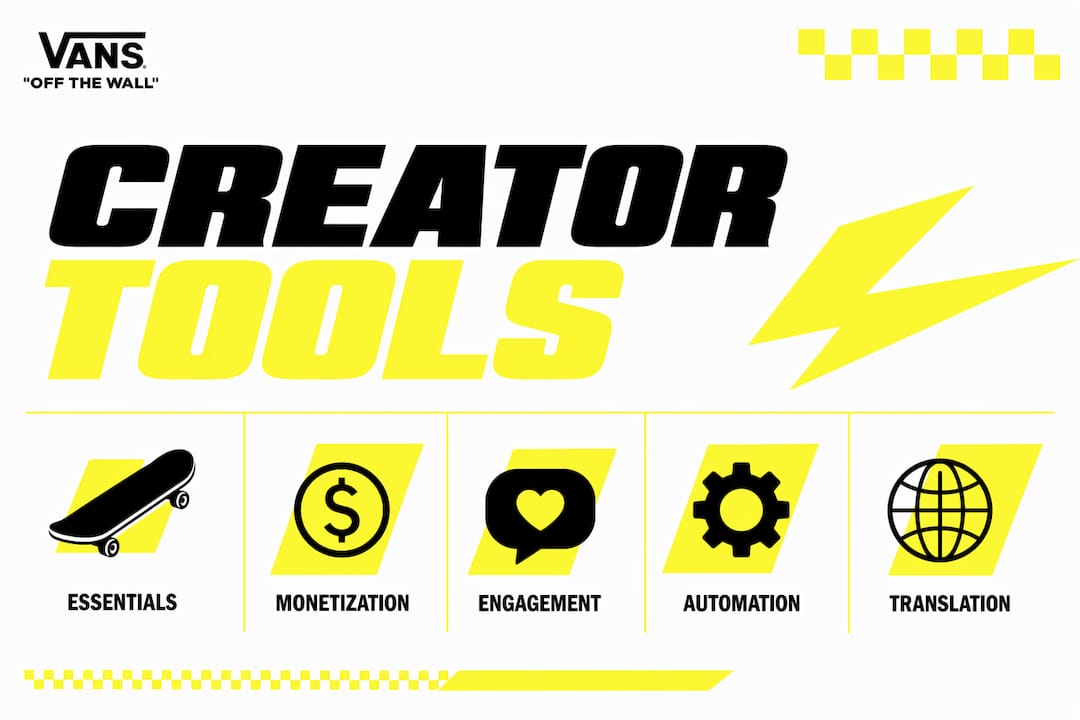
Monetization tools
Ko-fi lets creators accept one-time donations and sell digital products through a simple storefront, charging a 5% fee on sales with no monthly cost. Fourthwall goes further, offering a full e-commerce experience with branded merchandise pages built for creators who want to build a merch store and scale physical product sales. Streamlabs layers donation alerts and subscription widgets directly into live streams, making it the go-to for streamers who want monetization visible to their audience in real time. Streamloots takes a different angle entirely, letting viewers purchase collectible card packs that trigger on-stream actions, creating a monetization loop that feels like a game.
Engagement tools
Sound Alerts lets viewers spend channel points to play custom sounds during a stream, a small mechanic that drives surprisingly high chat participation. Dare Drop goes further by letting fans fund challenges or stunts, turning passive viewers into active participants. Crowd Control hands viewers direct control over game elements during a broadcast, which works especially well for gaming creators who want their audience inside the action. Stickybomb rounds out this category with customizable alert designs and interaction triggers that give streams a distinct visual identity.

Automation tools
Throne handles community membership management with members-only content gating and social features that keep paying fans engaged between streams. Tangia focuses on crowdfunding campaigns with simple setup and sharing, suited to creators launching a specific project or cause. PartnerStack manages affiliate and brand partnership programs, automating tracking and payouts so creators can run multiple brand deals without a spreadsheet.
Essentials
Canva remains the fastest path from idea to finished graphic for creators who are not trained designers. Its Magic Studio feature generates social graphics from a text prompt, and the Pro plan unlocks brand kits and background removal. Adobe Premiere Pro sits at the other end of the spectrum: industry-standard video editing software with multi-cam editing, advanced color grading, and AI-assisted tools, starting at $22.99/month. Surfer handles SEO, scoring content against top-ranking pages and surfacing keyword opportunities inside the editor. Planable gives teams a visual content calendar with approval workflows, and Notion serves as the flexible backbone for content planning, scripting, and project tracking. Jasper generates long-form copy and marketing content using a brand voice you train it on, starting at $39/month. Bitdefender Security for Creators addresses the often-overlooked security layer, protecting creator systems from cyber threats with encryption and platform-level permissions management.
How to choose the right creator tools for your workflow
The single most useful filter when evaluating digital creator software is workflow fit, not feature count. A tool with 50 features you will never use costs more in time and money than a focused tool that handles one job well.
Decision criteria to apply before you buy:
Platform compatibility: Does the tool connect natively to the platforms where you publish? Native integrations (like Creator Tools posting directly to YouTube Studio) save hours and improve algorithmic performance.
Pricing transparency: Freemium plans are useful for testing, but check what the paid tier actually unlocks. Some tools offer flat-rate subscriptions; others charge per use, per credit, or per translation.
Feature integration: Tools that share data with each other (for example, a CRM connected to your content calendar) outperform isolated tools even when each individual tool is technically stronger.
Security and privacy: Any tool that connects to your channel via OAuth or stores your content data should have clear data encryption policies. Bitdefender Security for Creators is one of the few tools built specifically around creator-focused threat protection.
Trust signals: Look for platform developer backing (TikTok Studio, YouTube Studio integrations), named AI partnerships (OpenAI, Gemini), and verified user reviews on platforms like Trustpilot.
Common pitfalls:
Choosing tools based on popularity rather than fit for your specific content format
Paying for overlapping features across multiple tools (two scheduling tools, two design tools)
Ignoring security until a breach happens
Selecting a tool with opaque pricing that scales unpredictably with usage
Pro Tip: Before adding any new tool, map out your current workflow on paper. If the new tool does not replace at least one step or eliminate one existing subscription, it is adding complexity, not reducing it.
Questions worth asking any vendor: What data do you store, and how is it encrypted? Can I export my data if I leave? Does your pricing change if my audience grows?
Why a fragmented tool stack is the real cause of creator burnout
Experts agree that the top reason for creator burnout is a fragmented tech stack, not creative exhaustion. When a creator juggles separate tools for writing, design, scheduling, analytics, and brand deals, the administrative overhead compounds daily. Each context switch costs time, and the lack of shared data between tools means the same information gets entered manually in multiple places.
Integrated platforms solve this by letting AI and data flow between modules. Creator OS, for example, connects YouTube, Instagram, and Twitch analytics to a brand deal CRM, an AI thumbnail studio, and Instagram comment automations in one workspace. A creator who connects their channel gets a shareable Pitch Pack (media kit with verified analytics) generated in under 60 seconds, ready to send to brands. The Instagram automation layer uses keyword triggers and AI-generated reply variations to handle comment engagement around the clock, avoiding spam detection while keeping interactions authentic.
Pro creators build their stacks around integration and shared context rather than raw feature power. A “swipe file” knowledge base, where curated inspiration feeds AI creation tools, produces content that sounds like the creator rather than a generic output. The goal is a stack where each tool either automates a repeatable task or informs a decision, never both poorly.
Signs your stack needs consolidation:
You copy-paste the same information into three or more tools weekly
Your analytics live in a different place from your content calendar
You have active subscriptions to tools you opened fewer than five times last month
Brand deal tracking happens in a personal spreadsheet rather than a connected CRM
Vainnewyork brings creative production to your content strategy
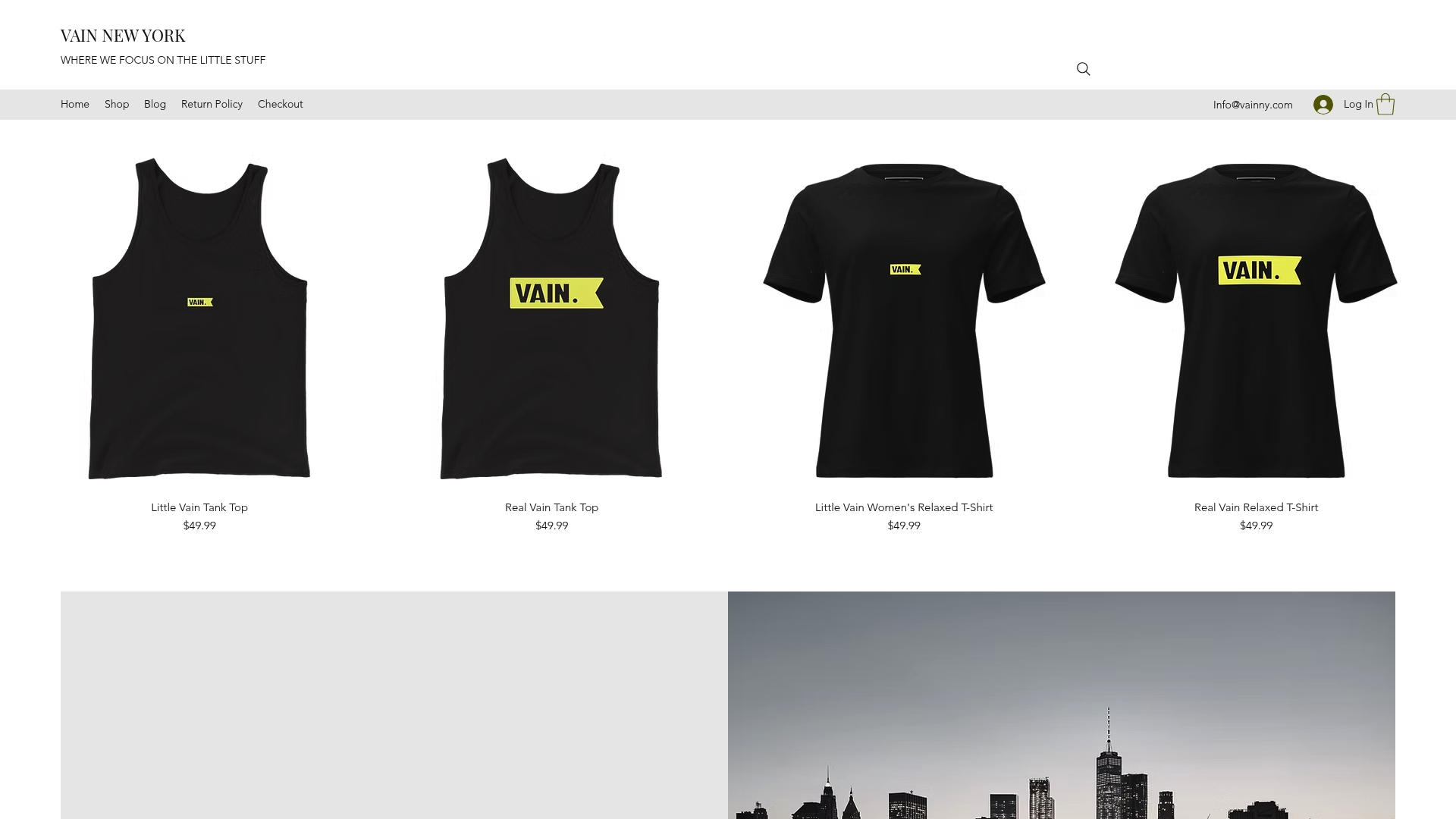
If the tools above cover the software layer, Vainnewyork covers the creative layer that software alone cannot replace. As a creative media and technology company, Vainnewyork works with creators and brands who need more than a template: original content production, brand development, and audience growth strategy built around a distinct visual identity. The bold street culture aesthetic that defines Vainnewyork’s work, rooted in high-contrast design and a rebellious creative spirit, translates directly into content that stands apart in a crowded feed.
For creators who have the tools but want a production partner who treats craft as seriously as metrics, Vainnewyork offers a different route. Explore the original art collection as a starting point for understanding the creative standard we bring to every collaboration, or connect directly to discuss what a content and brand partnership looks like for your channel.
Key Takeaways
The most effective creator tech stack combines a few integrated tools that share data across production, monetization, and analytics rather than a large collection of isolated apps.
Point | Details |
AI translation multiplies revenue | Creator Tools translates YouTube metadata into many languages and uploads directly to YouTube Studio, opening new ad markets instantly. |
TikTok Studio is free and native | Creators on TikTok get editing, scheduling, live analytics, and monetization in one free platform with no third-party friction. |
Burnout starts with fragmentation | Experts identify a fragmented tech stack, not creative exhaustion, as the primary driver of creator burnout. |
Security belongs in every stack | Bitdefender Security for Creators addresses data encryption and platform-level threat protection, a layer most creators overlook until it is too late. |
Vainnewyork for creative production | For creators needing original content production and brand development beyond what software provides, Vainnewyork offers a hands-on creative partnership. |
Recommended
Comments