Video Production: A Complete Guide for Professionals

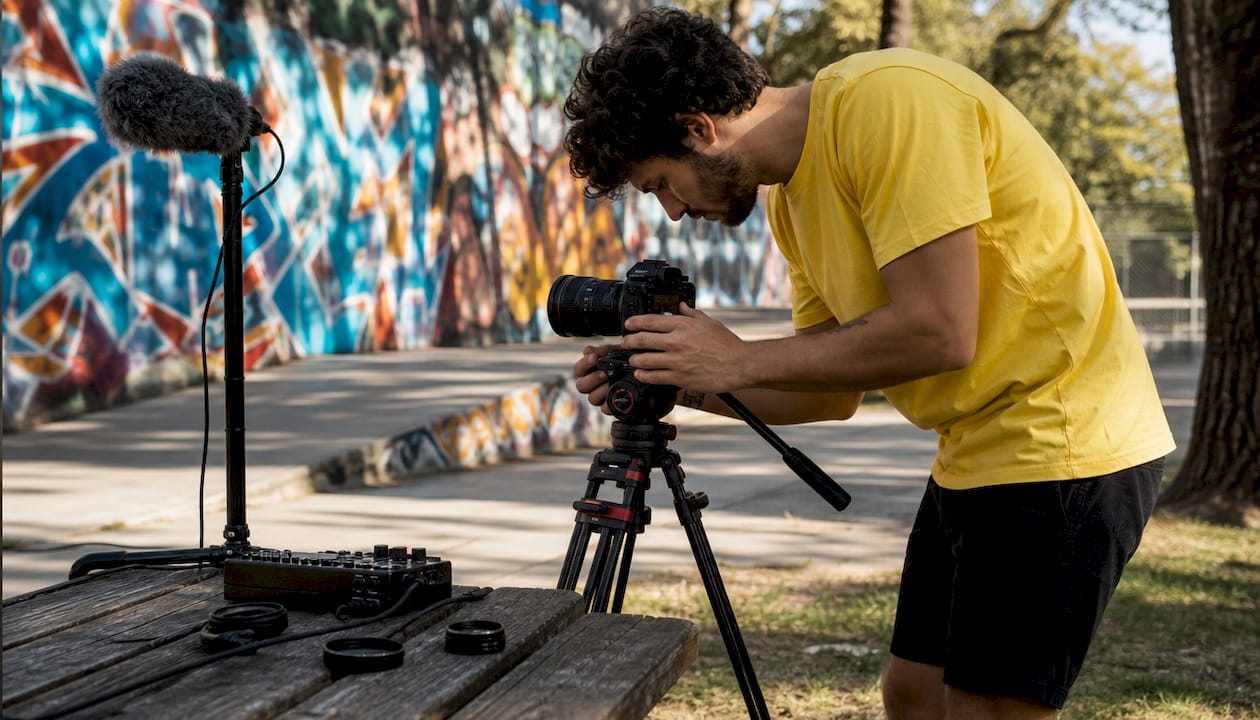
Video production is the end-to-end process of planning, filming, and editing visual content to communicate a story or message with purpose and craft. From a 30-second brand spot to a full-length documentary, the discipline demands creative vision, technical skill, and disciplined collaboration. Producers, directors, cinematographers, and editors each bring a specialized role to the work, and every phase demands clear coordination to keep a project on schedule and on message. Whether you are building a corporate video creation strategy or sharpening your craft as an independent filmmaker, understanding the full production process is the foundation everything else rests on.
What is video production and why does it matter?
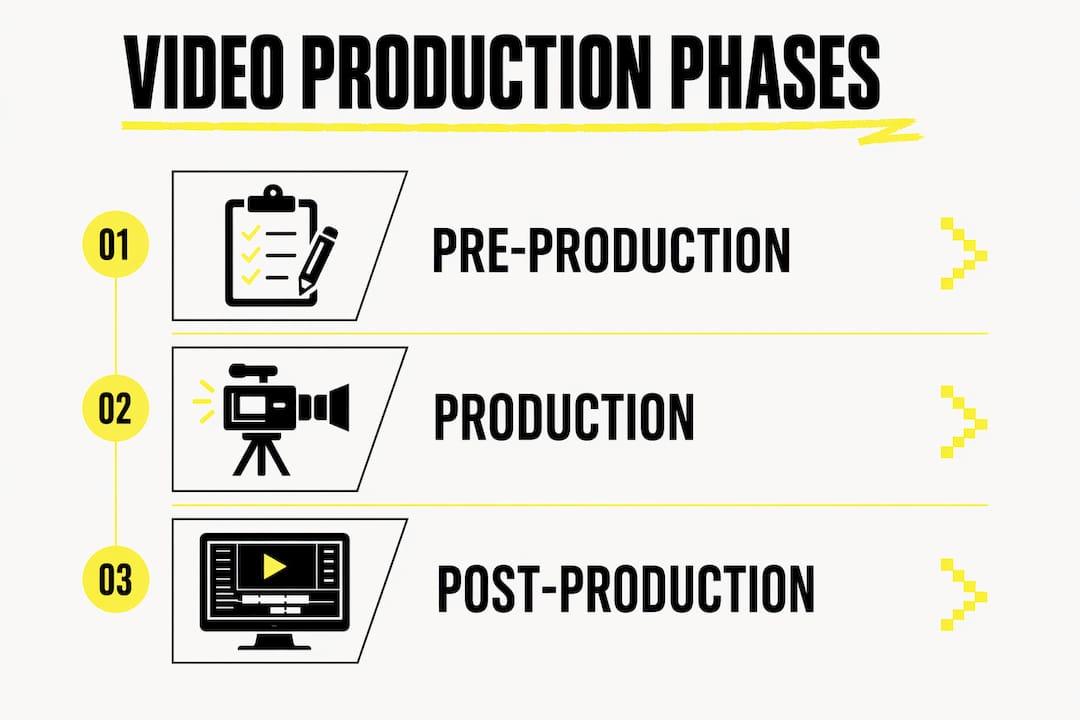
Video production is defined as the organized process from idea to finished asset, combining creative and technical collaboration across three core phases: pre-production, production, and post-production. Each phase has its own deliverables, roles, and quality standards. Skipping or rushing any one of them creates problems that compound in the next.
For businesses, the stakes are direct. A well-produced brand video builds trust faster than any written copy. For creative professionals, mastering the full workflow separates work that gets shared from work that gets skipped. The craft of visual storytelling sits at the intersection of editorial judgment, technical execution, and audience understanding. All three must work together.
The diverse departments of film production reflect this complexity. Cinematographers shape the visual language. Sound designers build the emotional atmosphere. Editors control the rhythm and meaning. No single role carries the project alone.
What equipment and software do you need?
Professional video services require the right tools matched to the right project scope. A corporate interview shoot calls for different gear than a narrative short film. Matching equipment to budget and creative goals is the first practical decision every production team makes.
Camera and lens categories
Entry-level mirrorless cameras like the Sony ZV-E10 or Canon EOS M50 Mark II handle small-budget content creation well. Mid-range cinema cameras such as the Blackmagic Pocket Cinema Camera 6K offer greater dynamic range for more demanding work. Professional broadcast and cinema rigs from ARRI or RED are reserved for high-budget film production services where image quality is non-negotiable.
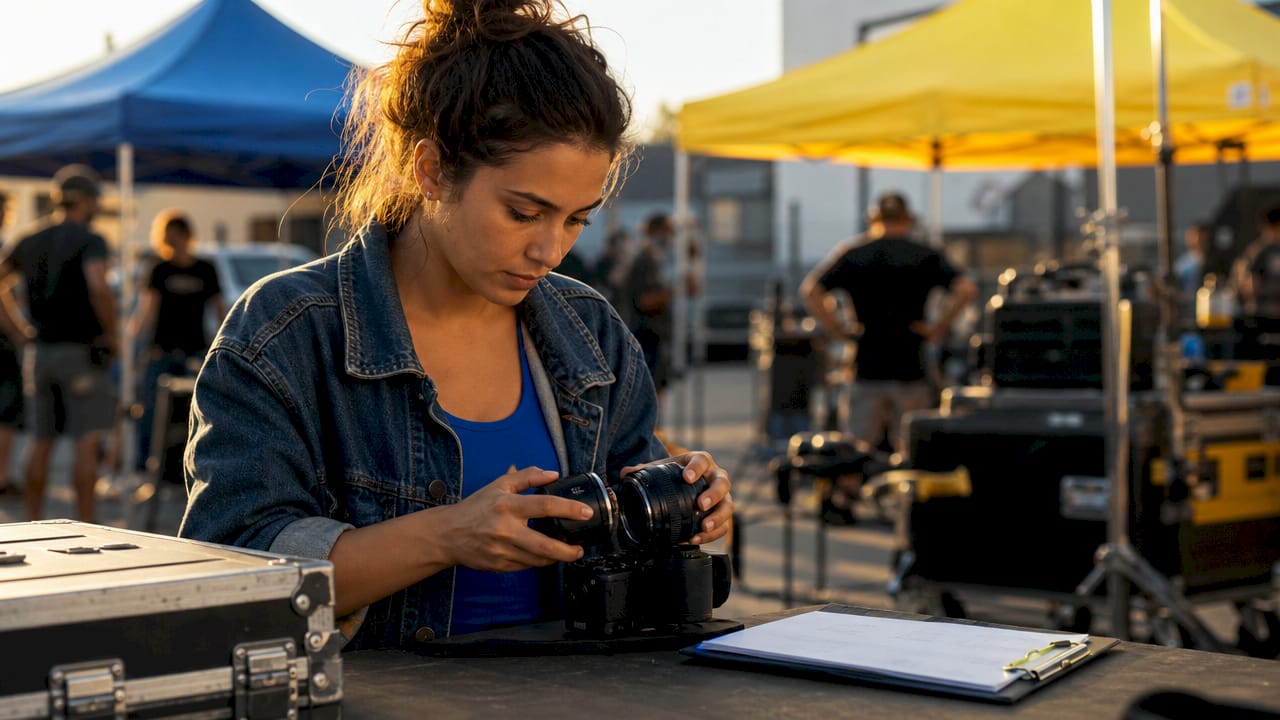
Lenses shape the look as much as the camera body does. A 50mm prime lens delivers natural perspective for interviews. Wide-angle lenses at 24mm or below work for environmental storytelling. Anamorphic lenses add cinematic depth and characteristic lens flares for narrative productions.
Lighting and audio essentials
Lighting is one of the most powerful tools in any production kit. A three-point lighting setup, consisting of a key light, fill light, and backlight, creates dimension and separates subjects from the background. LED panel lights from brands like Aputure or Godox give productions flexible, color-accurate output at manageable cost.
Audio quality separates amateur footage from professional output more than any visual factor. A shotgun microphone mounted on a boom pole captures clean dialogue on set. Lavalier microphones clip to talent for controlled interview environments. A portable audio recorder like the Zoom H6 gives editors clean, separate tracks to work with in post.
Essential software for post-production
Software | Primary Use | Level |
Adobe Premiere Pro | Video editing and timeline assembly | Professional |
DaVinci Resolve | Color grading and audio mixing | Professional |
Final Cut Pro | Fast editing on Apple hardware | Professional |
Adobe After Effects | Motion graphics and visual effects | Professional |
CapCut | Quick social media edits | Entry-level |
Pro Tip: Match your editing software to your delivery platform. DaVinci Resolve’s color science is unmatched for cinema work, while CapCut’s mobile-first design fits rapid social content cycles.
How does the production process work from start to finish?
The production process moves through three phases, each building directly on the last. Rushing pre-production creates chaos on set. Disorganized footage creates chaos in the edit. The sequence is not flexible.
Phase 1: Pre-production
Pre-production is where the story gets built before a single frame is shot. Narrative and pacing issues are best solved before filming, not in the editing room. The deliverables at this stage include a script, a storyboard, a shot list, a production schedule, and confirmed locations.
Scripting defines what will be said and shown. Storyboarding translates the script into visual sequences, panel by panel. Location scouting identifies spaces that match the visual and logistical needs of each scene. A detailed shot list gives the director and cinematographer a shared reference on the day of the shoot.
Pro Tip: Build a one-page production brief before any shoot. It should list the goal, the audience, the tone, the key messages, and the call to action. Every creative decision on set should trace back to that brief.
Phase 2: Production
Production is the shoot itself. The crew executes the shot list, captures coverage, and manages the on-set workflow. A well-run set moves efficiently because every role knows its responsibilities before the camera rolls.
The director guides performance and composition. The cinematographer controls camera placement, movement, and exposure. The sound recordist monitors audio levels in real time. A script supervisor tracks continuity so the editor has clean, matching coverage to cut between.
Phase 3: Post-production
Post-production is where the story takes its final form. The editor assembles the footage, shapes the pacing, and builds the emotional arc of the piece. Video editing techniques at this stage include assembly cuts, rough cuts, fine cuts, and picture lock, each a progressively refined version of the final product.
After picture lock, the audio mix is completed. Color correction and color grading follow, adjusting the visual tone to match the creative intent. Graphics, captions, and motion titles are added last. The final deliverable is then exported in the format required by the distribution platform.
Phase | Key Actions | Primary Roles |
Pre-production | Scripting, storyboarding, shot list, location scout | Producer, Director, Writer |
Production | Filming, audio capture, on-set direction | Director, Cinematographer, Sound |
Post-production | Editing, color grade, audio mix, graphics | Editor, Colorist, Sound Designer |
What are the most common editing mistakes and how do you fix them?
Poor planning is the most common cause of editing problems. When footage arrives disorganized or incomplete, the editor cannot build a coherent story from it. Editing is for polishing stories, not assembling coherent content from disorganized footage.
Cutting on action
Cutting on action is the technique of making edits during a subject’s movement, such as a gesture, a turn, or a weight shift. The viewer’s eye follows the motion and misses the cut entirely. This technique is the single most effective way to make edits feel invisible and maintain viewer engagement.
Audio normalization and room tone
Normalizing dialogue audio to -12 to -6 dB and filling silent gaps with room tone prevents the unnatural dead silence that marks amateur productions. Room tone is the ambient sound of the recording environment, captured on set for exactly this purpose. Without it, edits between dialogue lines feel jarring and pull the viewer out of the story.
“Good pacing in video editing is the rhythm created by many small cut and shot length decisions that feels effortless when done correctly. When the pacing is right, the viewer never notices the edit. When it’s wrong, they feel it immediately.” Professional Video Editing Tips & Techniques for 2026
Keyboard shortcuts and workflow habits
Keyboard shortcuts like J/K/L and I/O marking improve editing speed by 3–5x compared to mouse-only workflows. Professional editors build muscle memory around these shortcuts so their hands never leave the keyboard during a cut session. Organizing footage into clearly labeled bins before editing begins saves hours across a long project.
Label every clip with scene, take, and camera angle before the edit begins.
Use color-coded markers to flag selects, problems, and music cue points.
Save a new version of the project file at the start of each editing session.
Keep a revision log so every change is traceable back to a specific note.
How do you align your video choices with business goals?
Professional video services work best when every creative decision connects to a measurable business objective. Format, length, tone, and distribution channel all affect whether a video reaches the right audience and drives the intended action.
Format: Vertical video performs on Instagram Reels and TikTok. Horizontal 16:9 works for YouTube and broadcast. Square formats hold attention on LinkedIn feeds.
Length: Brand awareness videos perform best under 60 seconds. Explainer videos for B2B audiences can run 2–3 minutes. Training and educational content can extend further when the subject demands it.
Tone: Corporate video creation for financial services calls for a measured, authoritative tone. Consumer lifestyle brands benefit from warmth and energy.
Measurement: Track completion rate, click-through rate, and conversion rate. Completion rate tells you whether the pacing and content held attention. Click-through rate tells you whether the call to action worked.
International productions can optimize costs by selecting service production or co-production models aligned with regional tax incentive rules. Countries like Spain, the United Kingdom, and Canada offer production rebates that meaningfully reduce budgets on qualifying projects. Understanding these structures before pre-production begins protects both creative ambition and financial planning.
Key Takeaways
Professional video production requires disciplined pre-production, skilled on-set execution, and precise post-production editing to deliver content that holds attention and drives results.
Point | Details |
Pre-production prevents problems | Script, storyboard, and shot list before any camera rolls to avoid editing chaos. |
Match gear to project scope | Entry-level cameras suit social content; cinema rigs serve high-budget film work. |
Cut on action for invisible edits | Make cuts during subject movement to hide transitions and maintain viewer flow. |
Normalize audio to -12 to -6 dB | Fill gaps with room tone to prevent dead silence and maintain professional sound. |
Align format with platform | Vertical video for social, horizontal for YouTube and broadcast, square for LinkedIn. |
What I’ve learned from years inside the edit suite
The technology in video production changes every year. The editorial judgment required to use it well does not. I have watched productions with six-figure budgets fall apart in post because the pre-production was thin. I have also watched lean, disciplined teams produce work that punched far above their budget because they planned obsessively before the shoot.
The skill that separates good editors from great ones is not software mastery. High-quality video production is driven by editorial judgment rather than tool specs. Knowing which shot to cut to, and when, is a craft built through repetition and honest self-critique. Watch your own cuts with the sound off. If the visual rhythm feels wrong, it is wrong.
My practical advice: practice cutting on action on every project, even when it feels unnecessary. Build the habit before the high-stakes work arrives. And treat audio as the emotional heartbeat of your edit. Viewers forgive imperfect visuals. They abandon imperfect sound.
The most exciting shift I see right now is not in AI tools or new camera formats. It is in how creative professionals are thinking about media production as a discipline worth studying deeply, not just executing quickly. That shift produces better work.
— Neville
Creative professionals deserve creative gear
Vainnewyork was built for people who take their craft seriously and want their identity to reflect that. The same attention to detail that goes into a well-produced video belongs in every part of a creative professional’s life.
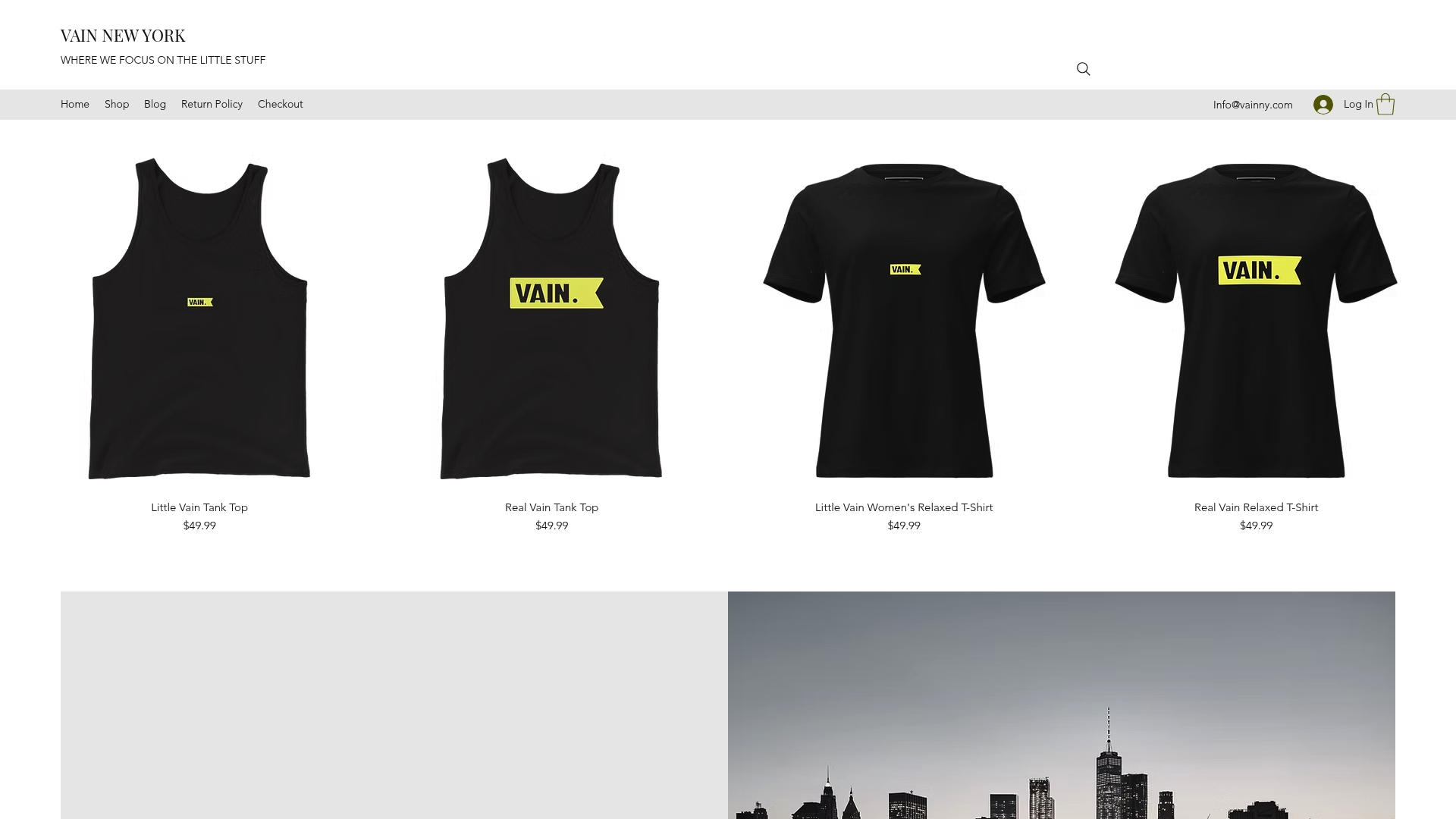
The Vainnewyork shop carries apparel and accessories designed for the creative community, from statement pieces to everyday wear that carries the spirit of the work. If you want something that speaks to the culture of making things well, the Little Vain Auburn One-Piece is a strong place to start. Vainnewyork is for the people who show up, do the work, and wear it proudly.
FAQ
What are the three phases of video production?
Video production moves through pre-production, production, and post-production. Pre-production covers planning and scripting, production covers filming, and post-production covers editing, audio mixing, and color grading.
What is cutting on action in video editing?
Cutting on action means making an edit while a subject is mid-movement, such as turning or gesturing. The viewer’s eye follows the motion and misses the cut, making the transition feel invisible.
How should dialogue audio be normalized in post-production?
Dialogue audio should be normalized to between -12 and -6 dB. Gaps between lines should be filled with room tone to prevent unnatural silence and maintain a professional, immersive sound.
What software do professional editors use?
Professional editors use Adobe Premiere Pro, DaVinci Resolve, and Final Cut Pro for editing and color work. Adobe After Effects handles motion graphics and visual effects on most professional productions.
How do keyboard shortcuts improve editing speed?
Keyboard shortcuts like J/K/L for playback and I/O for marking in and out points improve editing speed by 3–5x compared to mouse-only workflows. Building muscle memory around these shortcuts is a standard practice among professional editors.
Recommended
Comments